Mod «Louisville Spawn» for Project Zomboid
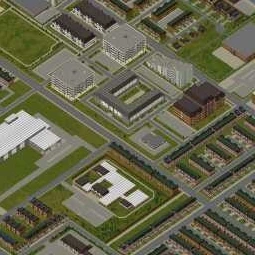
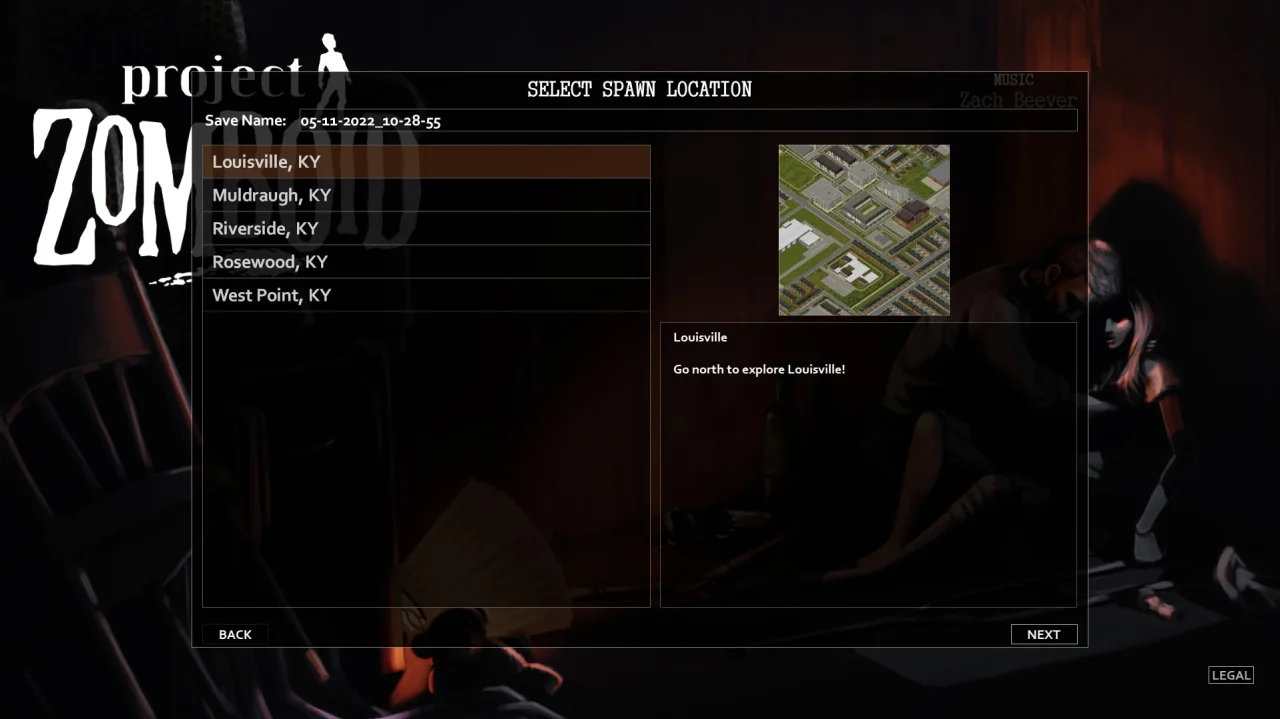
This mod adds spawn locations within the city of Louisville, allowing players to select it as a starting city in Sandbox mode.
Server Configuration:
- Locate the server folder: where
- C:\users\(*1)\Zomboid\server\
is your Windows username.- (*1)
- Edit the file where
- (*2)_spawnregions.lua
is your server name.- (*2)
- Add the following line to the existing list:
Technical Information:
- Workshop ID: 2680926895
- Mod ID: Louisville
- Map Folder: Louisville, KY
Works on all PC versions (Steam/GOG/Standalone). You need to install it manually.

Mod Info
Category:
Version:
19.12.2024
Size:
0.27 MB
Multiplayer:
Yes
Added by:
Download Links
File Security
SHA-256:
52682ab0a0c2d0199ae076aa18780c28395098e65a9edd36fb3a21fe27dcdf7c
VT Detection:
0/65
VT Report:
You May Also Like
![Rabbit Hash, KY [B42+ Update]](/upload/000/u1/7/e/1b6d3dea.webp "Rabbit Hash, KY [B42+ Update]")
Last Comments  ATZ → New Clothing Models [B42]
ATZ → New Clothing Models [B42] 2 months ago