Mod «Map Mod Manager (41 and 42)» for Project Zomboid
Map Mod Manager is a utility tool designed to manage and organize map mods for Project Zomboid. It features an interactive cell grid display that allows users to visually identify conflicts between maps, including vanilla areas, regardless of subscription status. The tool supports a database of over 800 maps and can read subscribed mod files directly to detect conflicts without waiting for database updates.
Features:
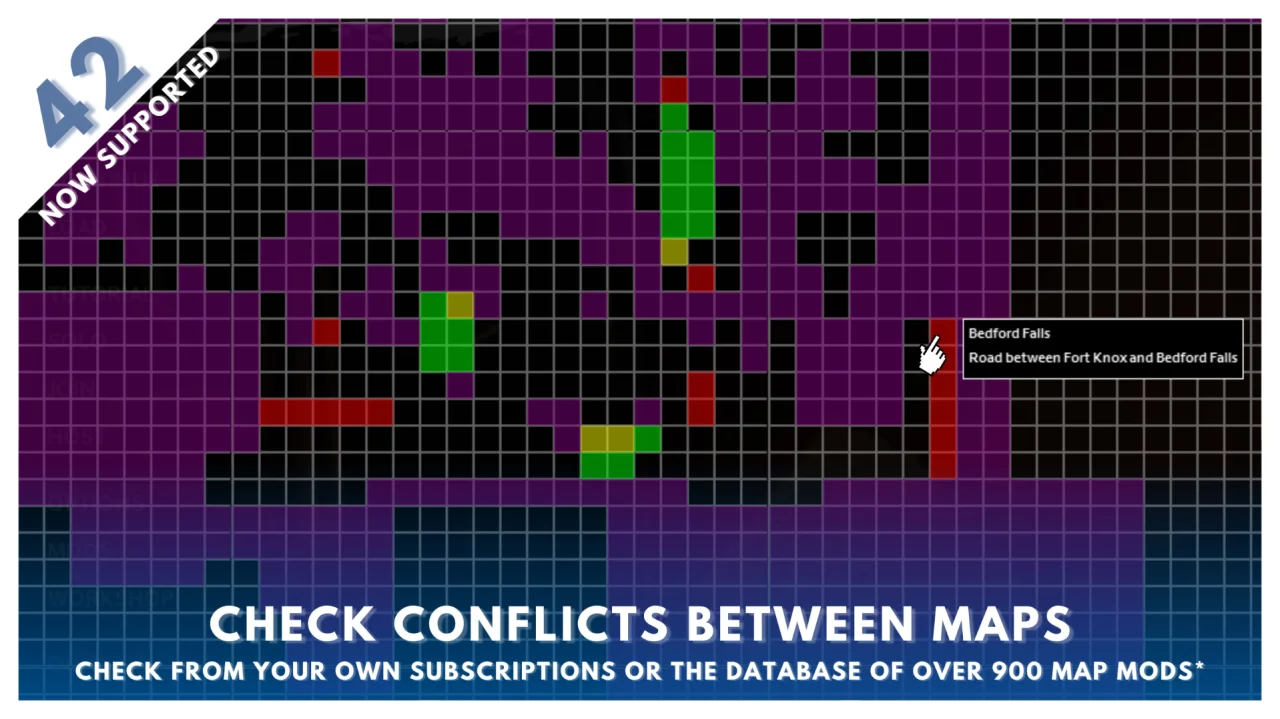
- Interactive Cell Display: Highlights selected mods on a grid to spot conflicts (red for mod conflicts, yellow for vanilla conflicts)
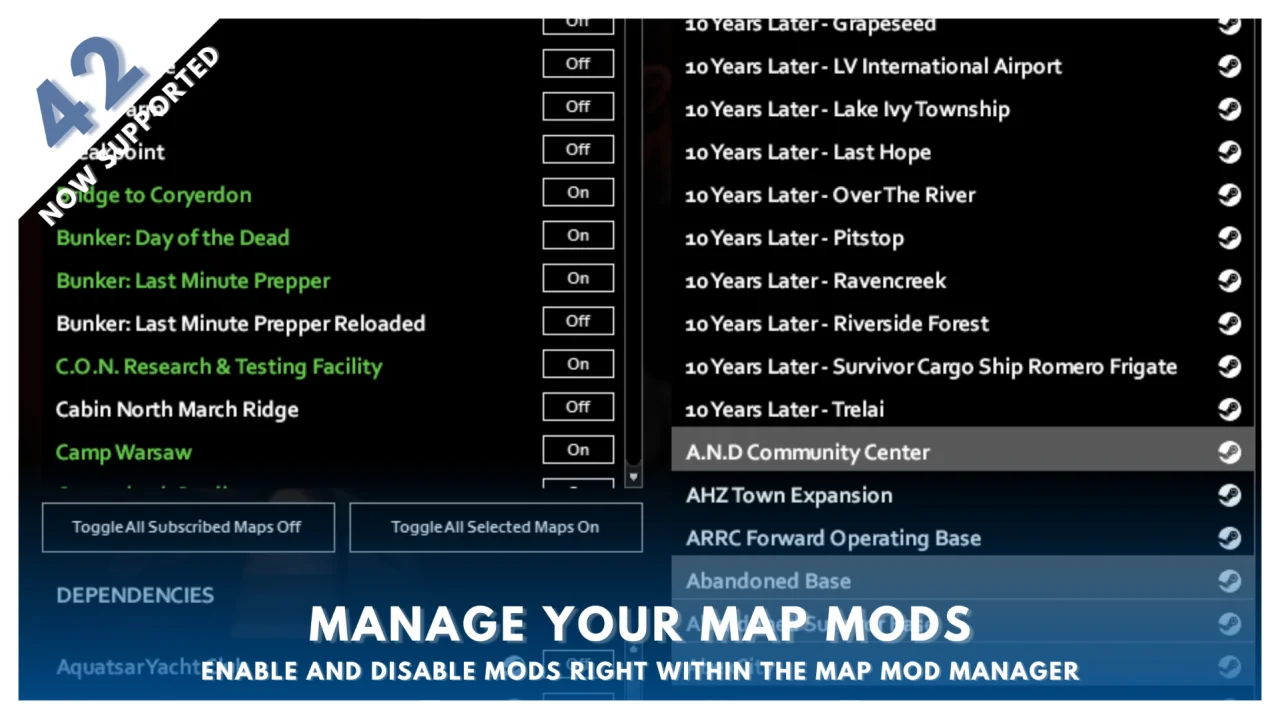
- Toggle Mods: Enable or disable subscribed mods and dependencies directly within the interface
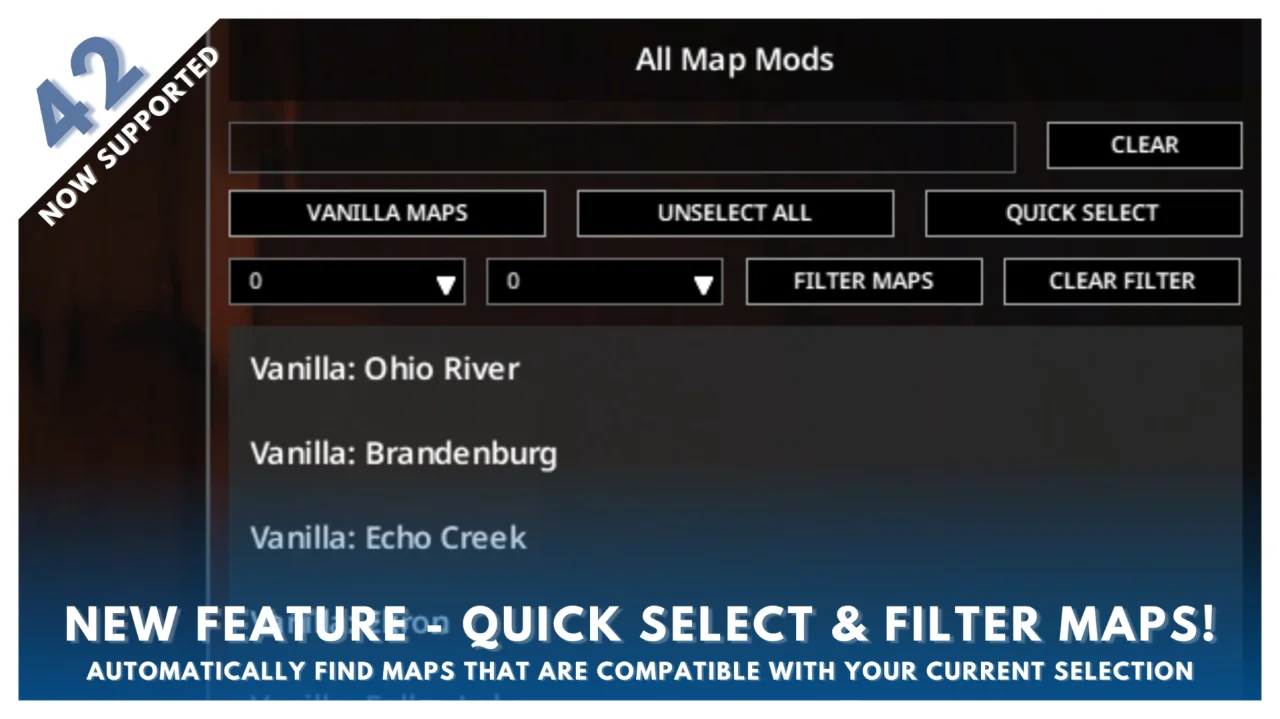
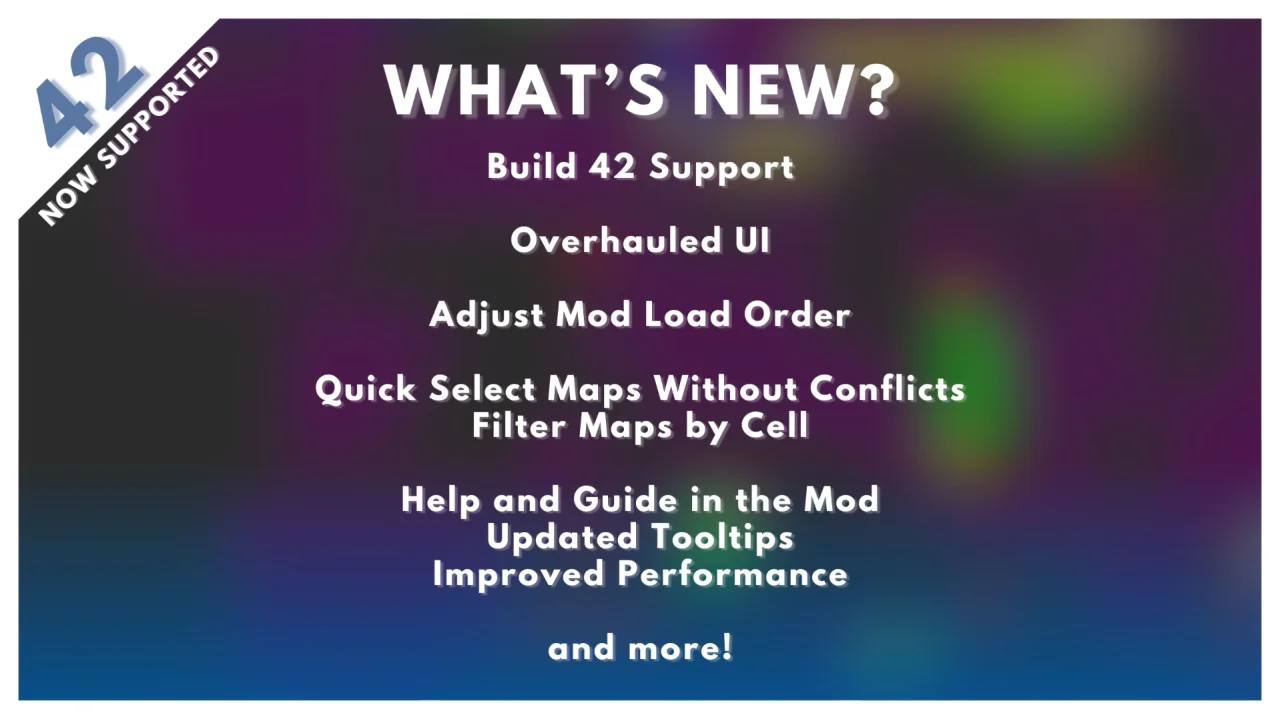
- Quick Select and Filter: Find compatible mods by filtering specific cells or selecting non-conflicting options
- Steam Links: Direct access to Workshop pages for maps and dependencies
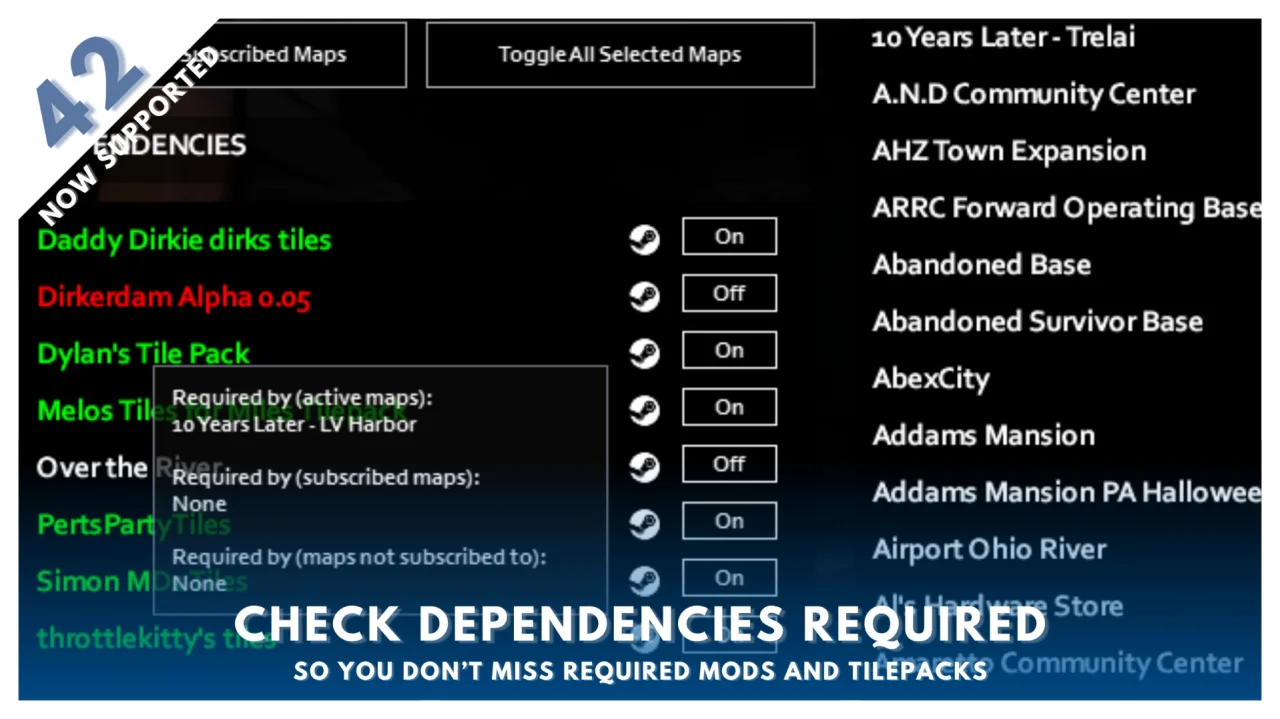
- Dependency Checker: Displays required mods for selected maps and indicates which maps rely on specific dependencies
- Read Subscribed Maps (Build 42): Automatically reads cells of subscribed maps to ensure up-to-date conflict checking
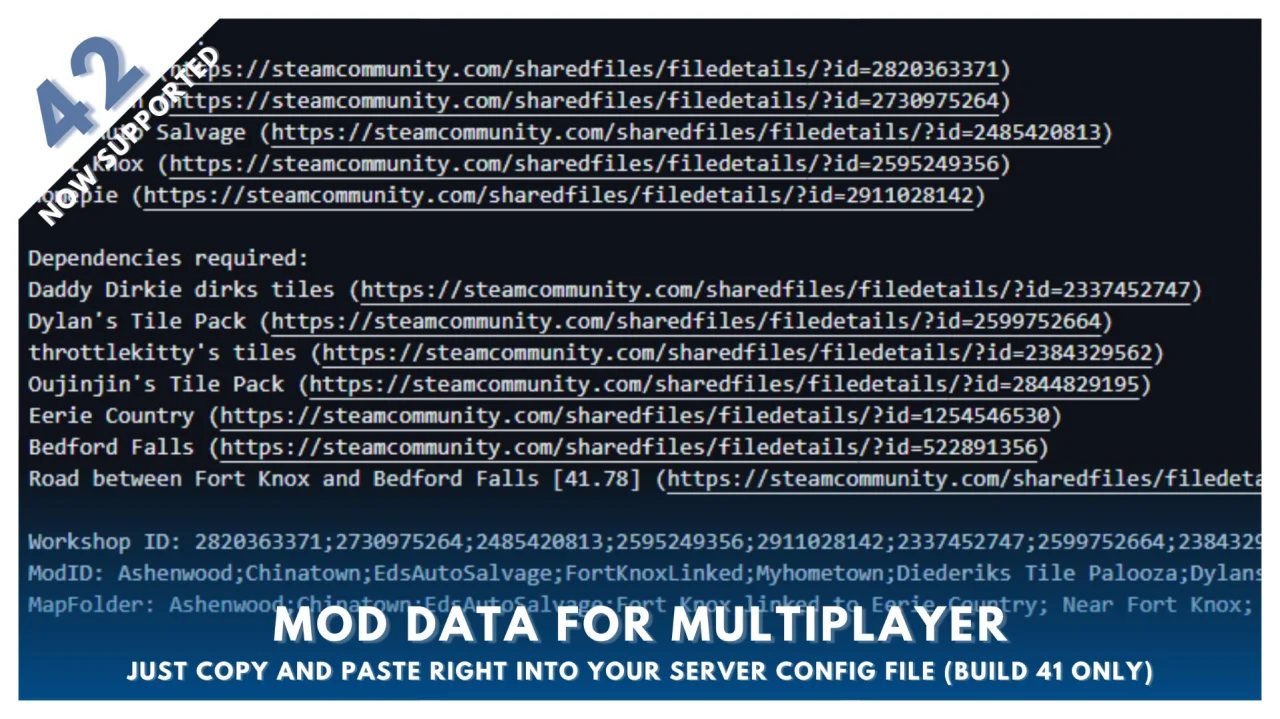
- Export Data (Build 41): Generates a list of selected maps with URLs, dependencies, and multiplayer data for server setup or sharing
Usage Instructions:
- Enable the mod in the mods menu, save, and return to the main menu. A 'Map Mod Manager' button will appear under the Quit button
- Select maps to view them on the cell grid. Conflicting maps appear red; vanilla conflicts appear yellow
- Purple cells indicate map mods without conflicts; green and blue cells represent vanilla maps
- Hover over cells to see occupying maps
- Subscribed maps appear in the Subscribed Map Mods list (enabled maps are green)
- Dependencies populate for active and selected mods. Active mods are green; unenabled required dependencies are white; unsubscribed dependencies are red
- Hover over dependencies to see which map requires them
- Use Steam links to navigate to Workshop pages. New subscriptions require a game restart to appear in the list
- Mod changes are saved upon closing the UI
Notes:
- Reduce font size to default if UI display issues occur
- Uninstalled dependencies not in the database may not be listed as required. Check Workshop pages manually
- Avoid subscribing to both mod packs and individual mods contained within them to prevent issues
Technical Information:
- Workshop ID: 3360392628
- Mod ID: mapmodmanager
Author Links:
Works on all PC versions (Steam/GOG/Standalone). You need to install it manually.
Mod Info
Category:
Version:
13.03.2026
Size:
1.38 MB
Added by:
Download Links
File Security
SHA-256:
01c27cbaeb5f9269187af4de4a68b688959dbb8f98136c6ca404ec1e174c2773
VT Detection:
0/65
VT Report:
![Building Menu [B41.78] - Daddy Dirkie Dirk Tiles Addon](/upload/000/u1/f/0/c149e15c.webp "Building Menu [B41.78] - Daddy Dirkie Dirk Tiles Addon")
![[B42/41] Draw On The Map - Free Hand Drawing](/upload/000/u1/a/a/7cc102b2.webp "[B42/41] Draw On The Map - Free Hand Drawing")
Last Comments
 ATZ
→
New Clothing Models [B42]
ATZ
→
New Clothing Models [B42]
ATZ
→
New Clothing Models [B42]
13 days ago