Mod «Navigator | Navigation Mod for Project Zomboid B42» for Project Zomboid
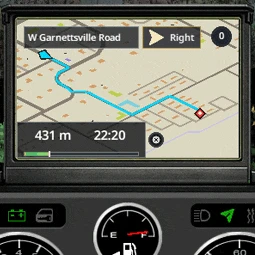
This mod introduces practical in-car navigation for Project Zomboid Build 42. It functions through an installed Navigator radio, builds road routes, and supports singleplayer, host, and dedicated server modes.
How to enable navigation:
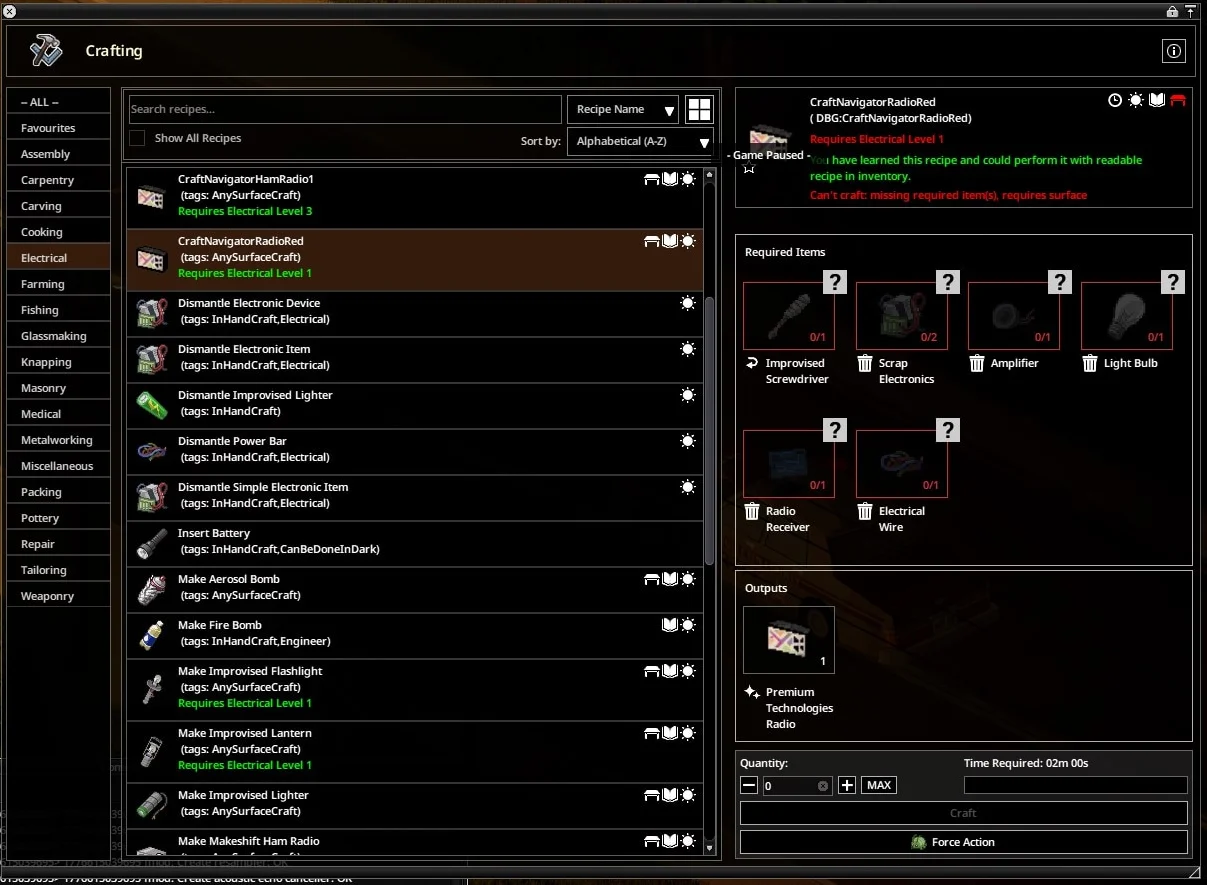
- Install a supported Navigator radio in the vehicle's Radio slot
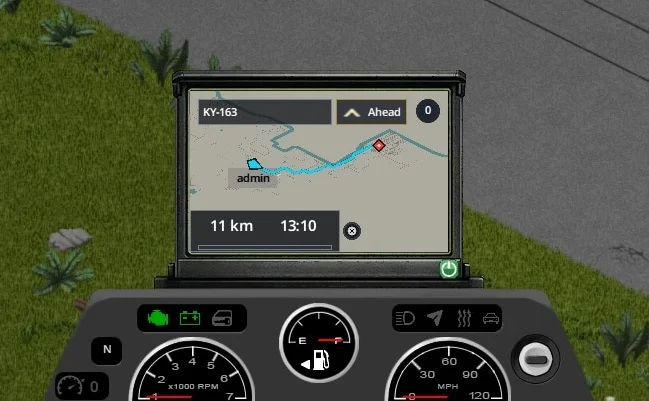
- Enter the vehicle and turn on the navigator screen using the power button
- Open the minimap or world map and right-click to select «Build route»
The route is displayed on the navigator screen, minimap, and world map.
Recommended Patch:
For correct road generation and more reliable route building, it is recommended to install the Navigator streets.xml patch. The mod functions without this patch, but route quality may be reduced on some roads. Installation instructions are available in the Workshop discussions under «Important: streets.xml patch, road graph generation, and cache rebuild».
Settings:
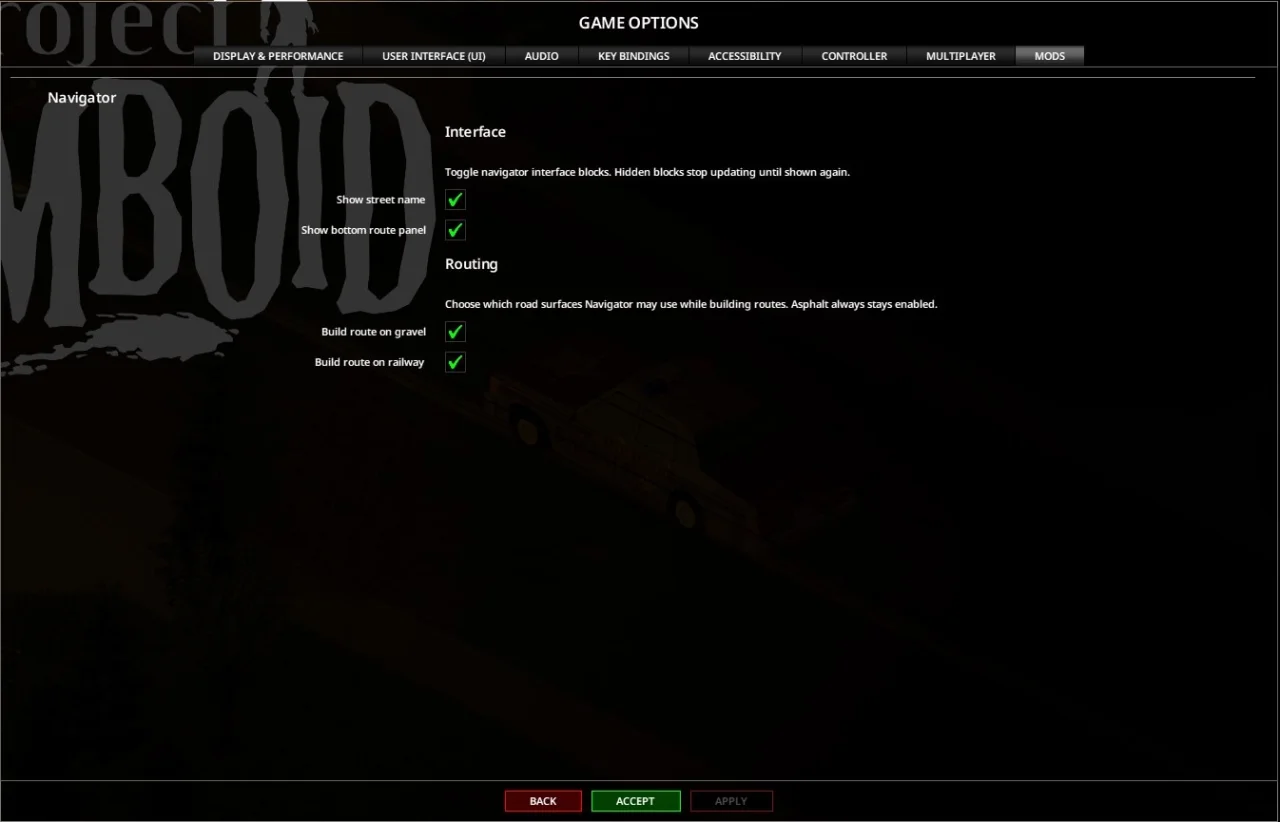
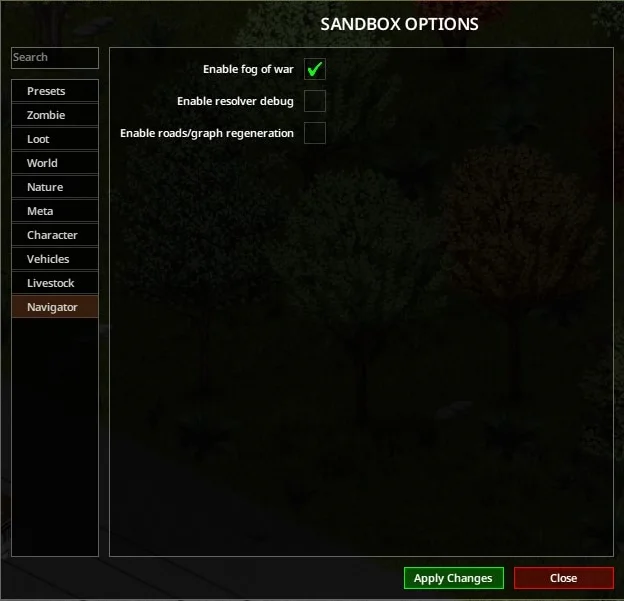
Configuration is available both in Sandbox mode and in-game.
- Sandbox options: Enable fog of war, enable resolver debug, enable roads/graph regeneration
- In-game options: Show street name, show bottom route panel, build route on gravel, build route on railway
Compatibility:
- Project Zomboid Build 42.x
- Singleplayer, Host, Dedicated Server, and Multiplayer
Technical Information:
- Workshop ID: 3708816224
- Mod ID: Navigator
For proper setup, unzip the downloaded file and move the resulting folder to the `User/Zomboid/mods` directory
Mod Info
Download Links
File Security
You May Also Like




![Neat Building [B42]](/upload/000/u1/9/f/f276ad9b.webp "Neat Building [B42]")
 ATZ → New Clothing Models [B42]