Mod «CH Status HUD» for Project Zomboid
Edited on: 18:26 .
Reason: The mod updated to version 13.09.2026
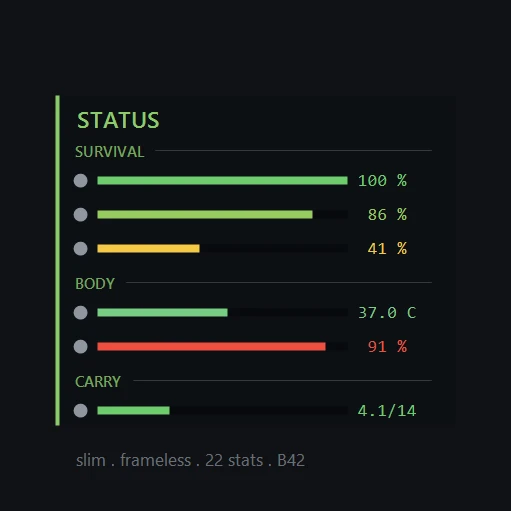
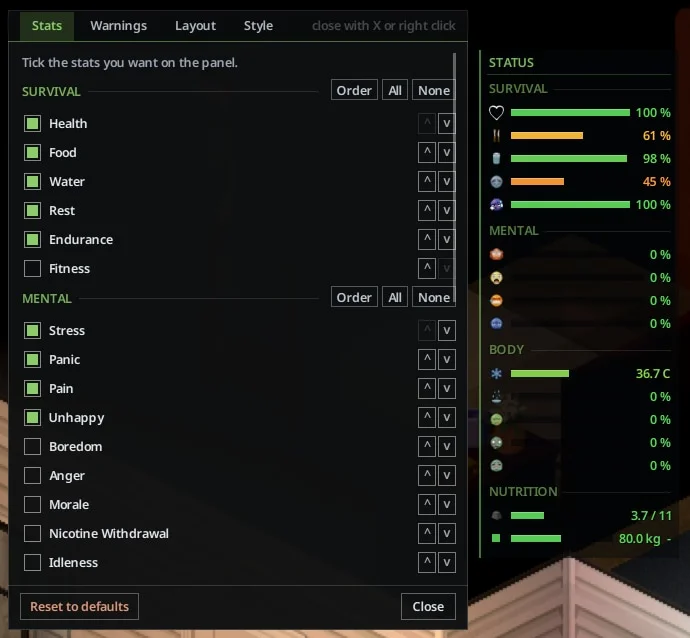
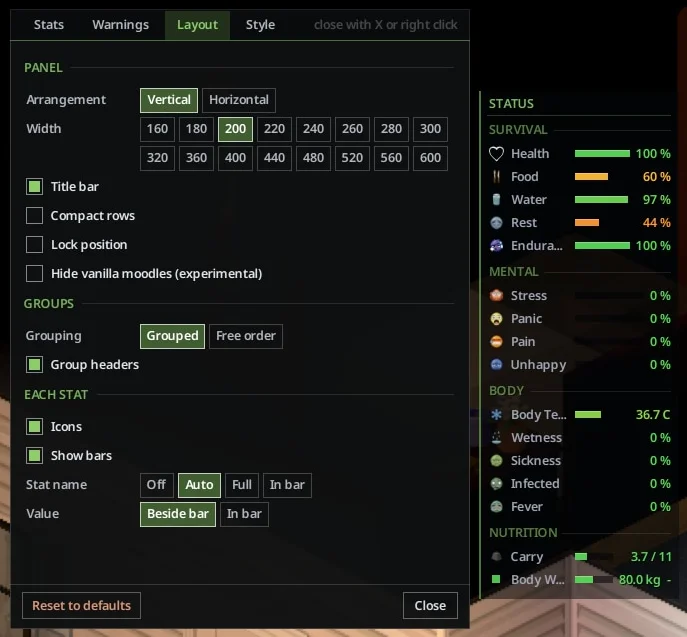
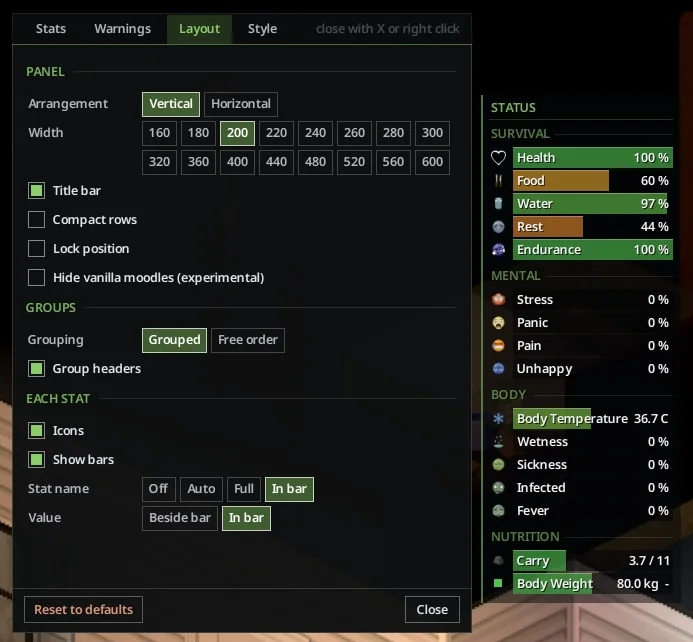
CH Status HUD displays 32 survivor stats in a customizable panel, allowing players to monitor their condition without opening menus. The mod is client-side only and requires installation on each player's machine.
Key Features:
- Displays stats in four groups: Survival (Health, Food, Water, etc.), Mental (Stress, Panic, Sanity, etc.), Body (Temperature, Wetness, Infection, etc.), and Nutrition (Calories, Proteins, Carbs, etc.)
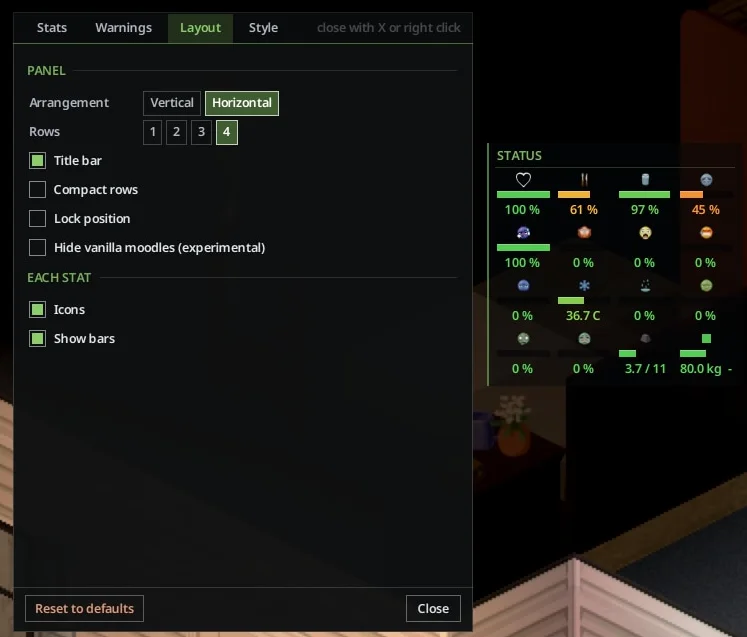
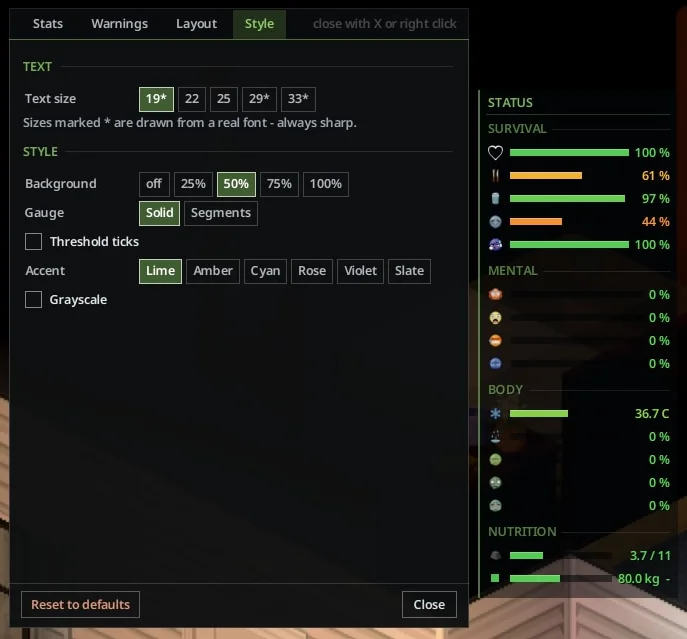
- Customizable layout: vertical list or horizontal strip, adjustable text size, background opacity, and stat positioning
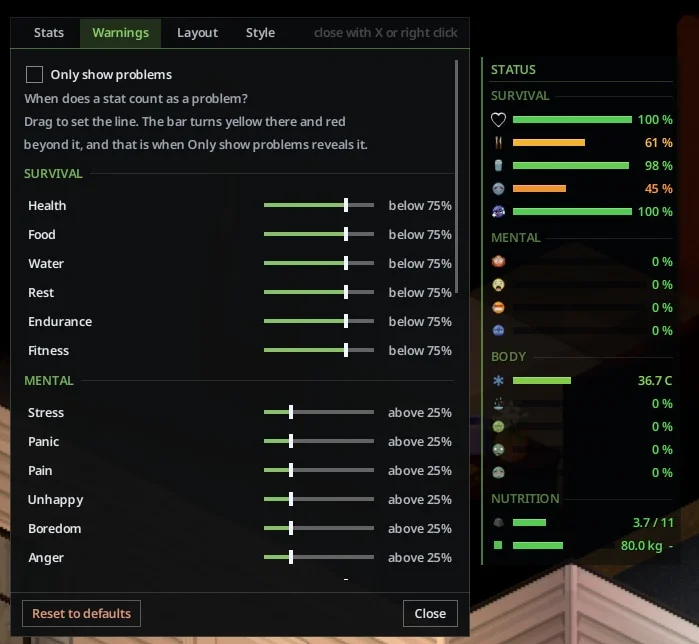
- Visual indicators: color-changing bars (yellow to red), threshold ticks for moodle levels, and optional grayscale mode
- «Only show problems» mode hides stats that are within normal ranges
- Option to hide vanilla moodle icons to avoid duplication
- Drag-and-drop positioning with lock feature
- Diagnose stats tool (right-click) compares raw game values with HUD display
- Server admin sandbox settings to restrict visible stats and disable diagnostic tools
- Fully translated into all 28 game-supported languages
Controls:
- ; (semicolon): Toggle panel visibility (default for new installs)
- U : Toggle panel visibility (default for existing installs)
- Right-click panel: Open Settings
- Optional keybind: Open Settings directly (configurable in Options — Key Bindings)
Installation Notes for Build 42:
- Singleplayer: Enable in Mods menu. For existing saves, enable via «Choose Mods...» on the Load Game screen.
- Hosting: Enable in both the regular mod list and the Steam Workshop items list in the host setup screen.
- Dedicated Server: Add to server's mod list (Mods= and WorkshopItems= in .ini file). Workshop ID: 3776182375, Mod ID: CHStatusHUD.
Technical Information:
- Workshop ID: 3776182375
- Mod ID: CHStatusHUD
"CH Status HUD" supports Steam, GOG, and standalone releases. Requires manual installation.
To install, extract the archive and move the resulting folder into your local `User/Zomboid/mods` path. Make sure to review the original description for load order tips.
To install, extract the archive and move the resulting folder into your local `User/Zomboid/mods` path. Make sure to review the original description for load order tips.

Mod Info
Category:
Version:
13.09.2026
Size:
553 Kb
Multiplayer:
Yes
Added by:
Compatible with Project Zomboid
Download Links
Version 23.08.2026 : Download



![Neat Building [B42]](/upload/000/u1/9/f/f276ad9b.webp "Neat Building [B42]")
Last Comments  ATZ → New Clothing Models [B42]
ATZ → New Clothing Models [B42] 2 months ago