Mod «Inspect Weapon» for Project Zomboid

Edited on: 14:41 .
Reason: The mod updated to version 23.08.2026
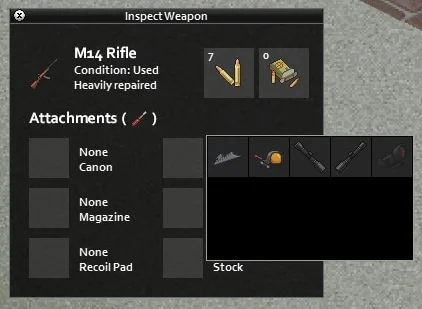
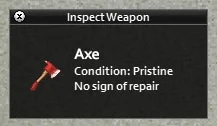
This mod adds a user interface for inspecting the currently equipped weapon in the primary hand. It provides estimated condition and repair status text to enhance immersion, rather than displaying exact numerical stats.
Features:
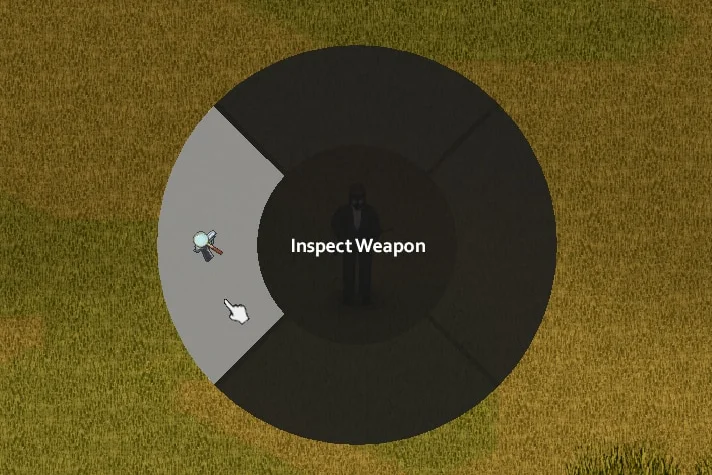
- Inspect weapon via radial menu (hold reload button), context menu on inventory items, or by pressing the ; key (rebindable)
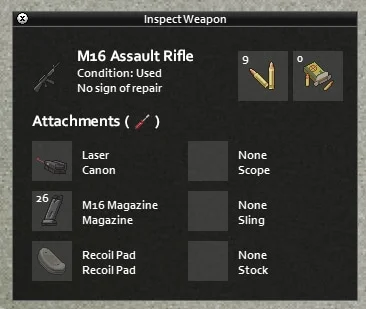
- Condition estimates: Pristine (100%, never repaired), Used (50-100% or repaired), Damaged (30-50%), Badly Damaged (<30%)
- Repair status estimates: No sign of repair, Slightly repaired (<3 times), Heavily repaired (≥3 times)
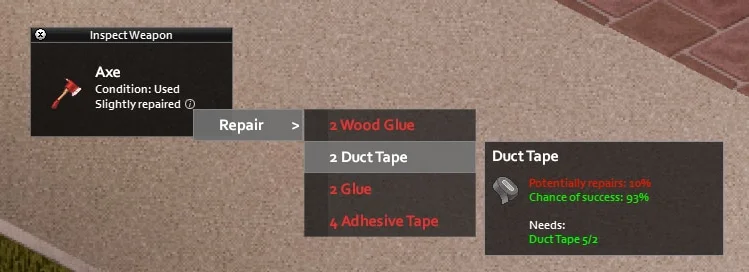
- Direct repair option via pop-up context menu if the weapon is damaged
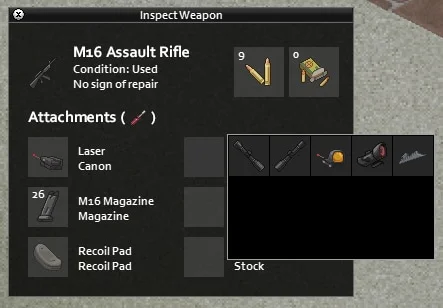
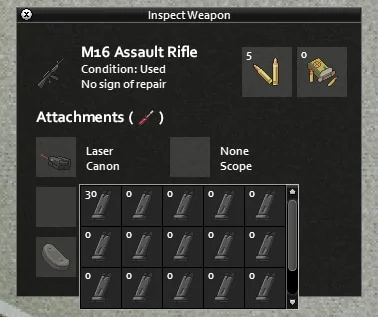
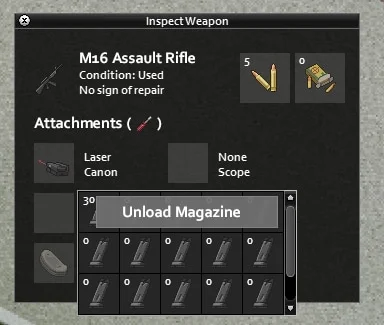
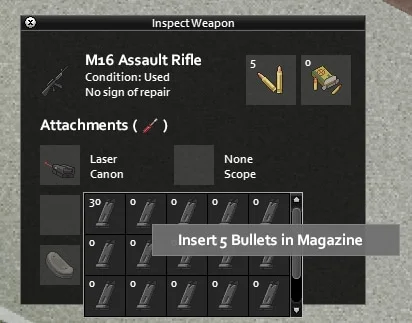
- Attachment management for ranged weapons: equip compatible attachments, load/unload ammunition in magazine slots
- Controller support: navigate UI with D-Pad, A (Accept), B (Back/Close), X (Context/Sub menu)
- Compatible with Build 41 and Build 42
- Partial compatibility with VFE (Vilespring's Firearms Expansion) and other weapon mods
Technical Information:
- Workshop ID: 2948824747
- Mod ID: RiskyInspectWeapon
Author Links:
Works on all PC versions (Steam/GOG/Standalone). Manual Install
To install, extract the downloaded file and copy the mod folder into your local `User/Zomboid/mods` path. Be sure to check the creator's instructions compatibility notes.
To install, extract the downloaded file and copy the mod folder into your local `User/Zomboid/mods` path. Be sure to check the creator's instructions compatibility notes.

Mod Info
Category:
Version:
23.08.2026
Size:
840.3 Kb
Multiplayer:
Yes
Added by:
Download Links
Version 06.04.2026 : Download
You May Also Like



![Neat Building [B42]](/upload/000/u1/9/f/f276ad9b.webp "Neat Building [B42]")
Last Comments  ATZ → New Clothing Models [B42]
ATZ → New Clothing Models [B42] 2 months ago