Mod «Context Menu Cleanup» for Project Zomboid
Edited on: 00:55 .
Reason: The mod updated to version 03.09.2026
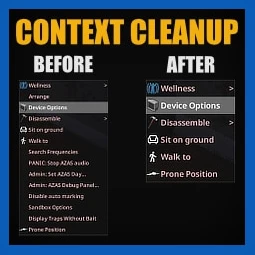
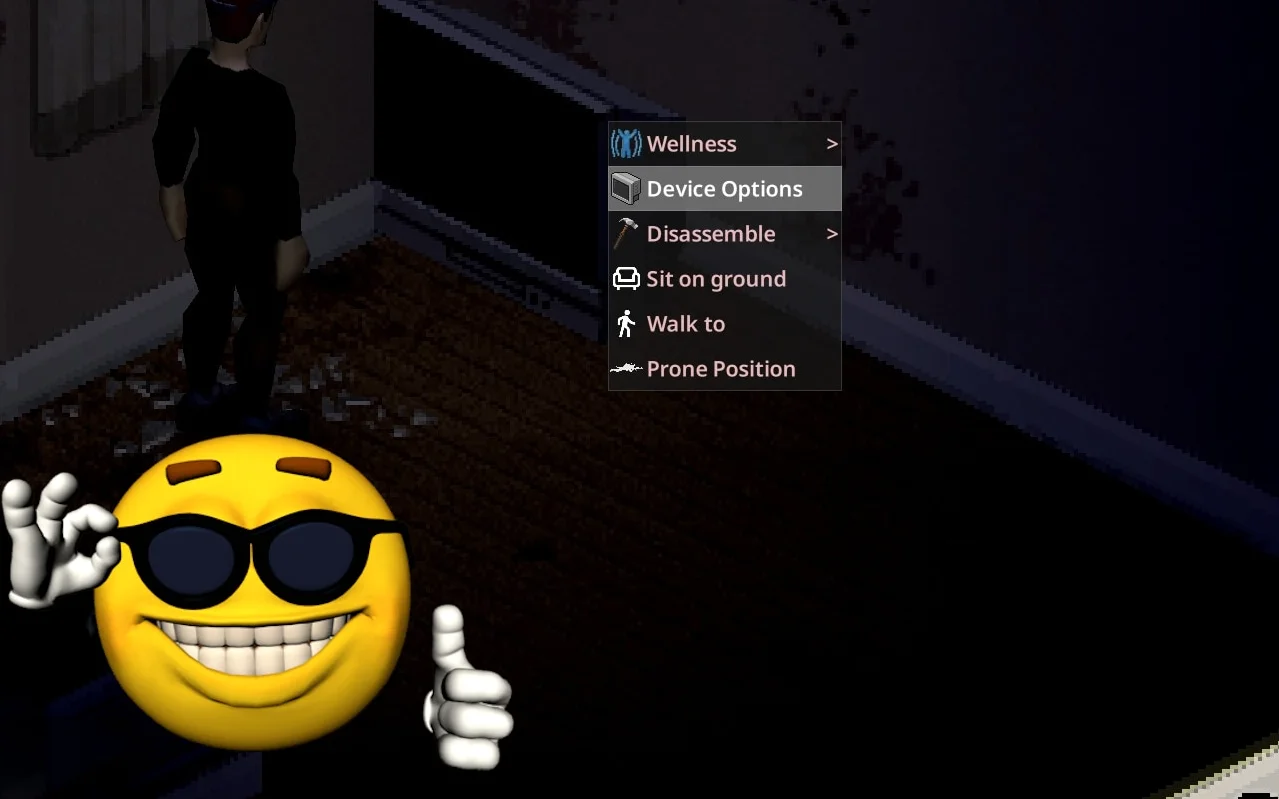
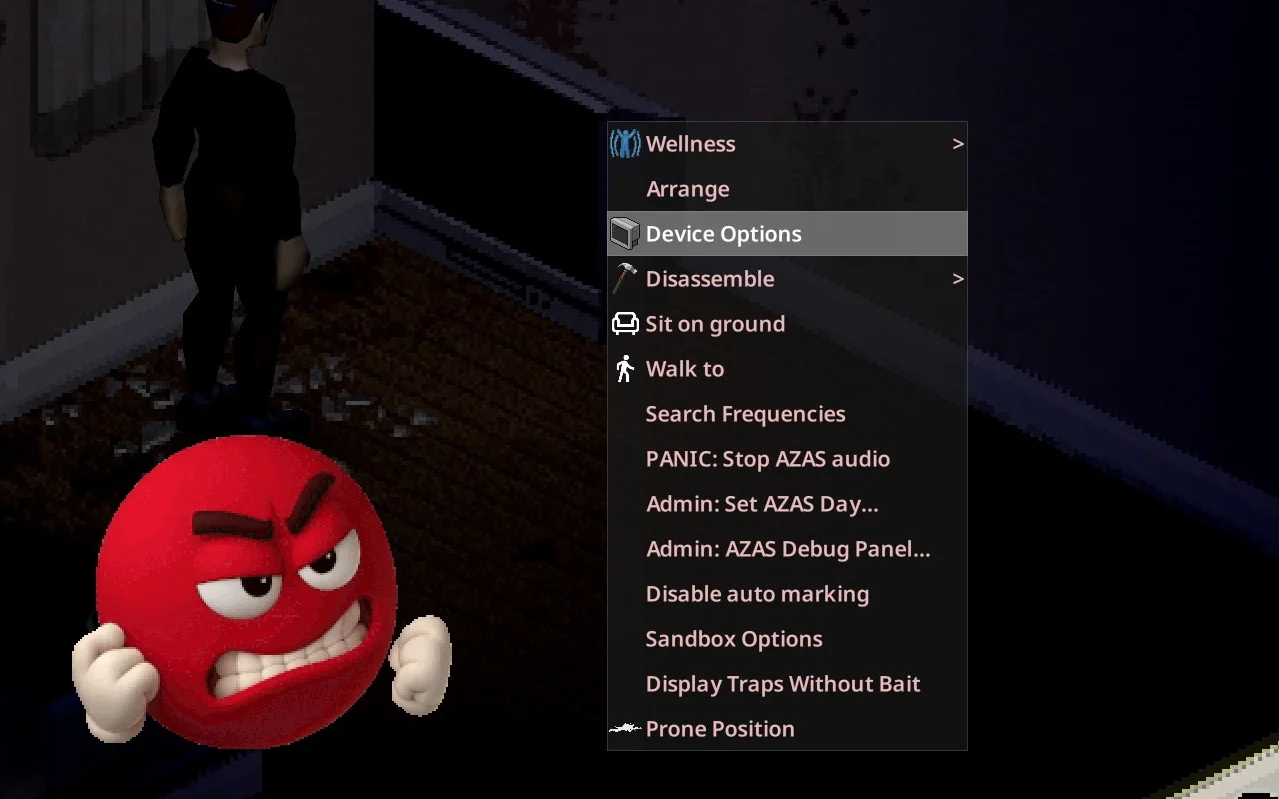
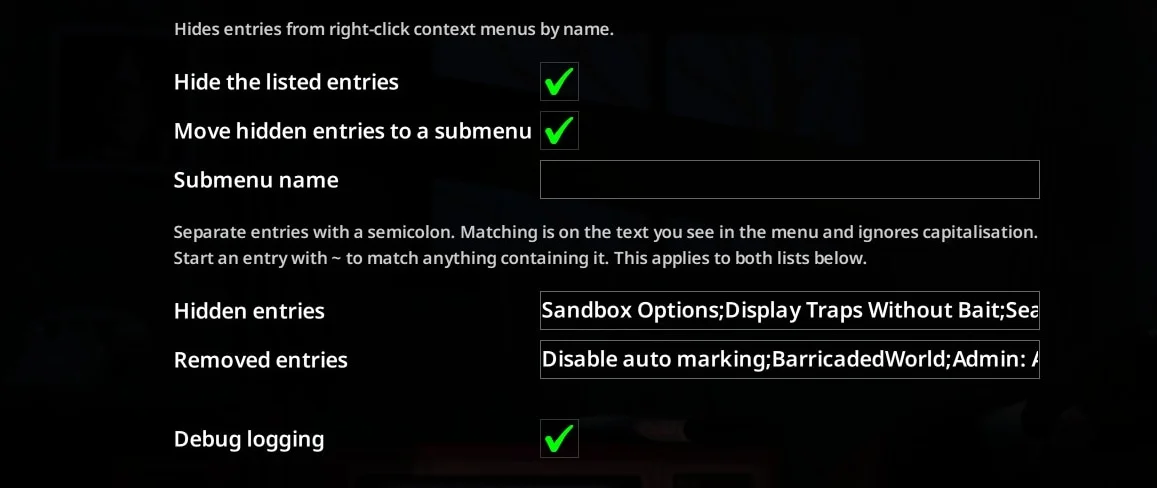
Context Menu Cleanup allows players to hide or reorganize excessive entries in right-click context menus, addressing clutter caused by multiple installed mods.
Configuration:
- Settings are located in Options → Mods → Context Menu Cleanup
- Entries to be removed or hidden are listed separated by semicolons (e.g., Sleep;Take Nap;~Teleport)
- Matching is case-insensitive and based on visible menu text
- Prefixing an entry with ~ enables partial matching for any item containing that string
- Debug logging option outputs all menu entry names to the console
Display Options:
- When «Move hidden entries to a submenu» is disabled, specified entries are completely removed from the menu
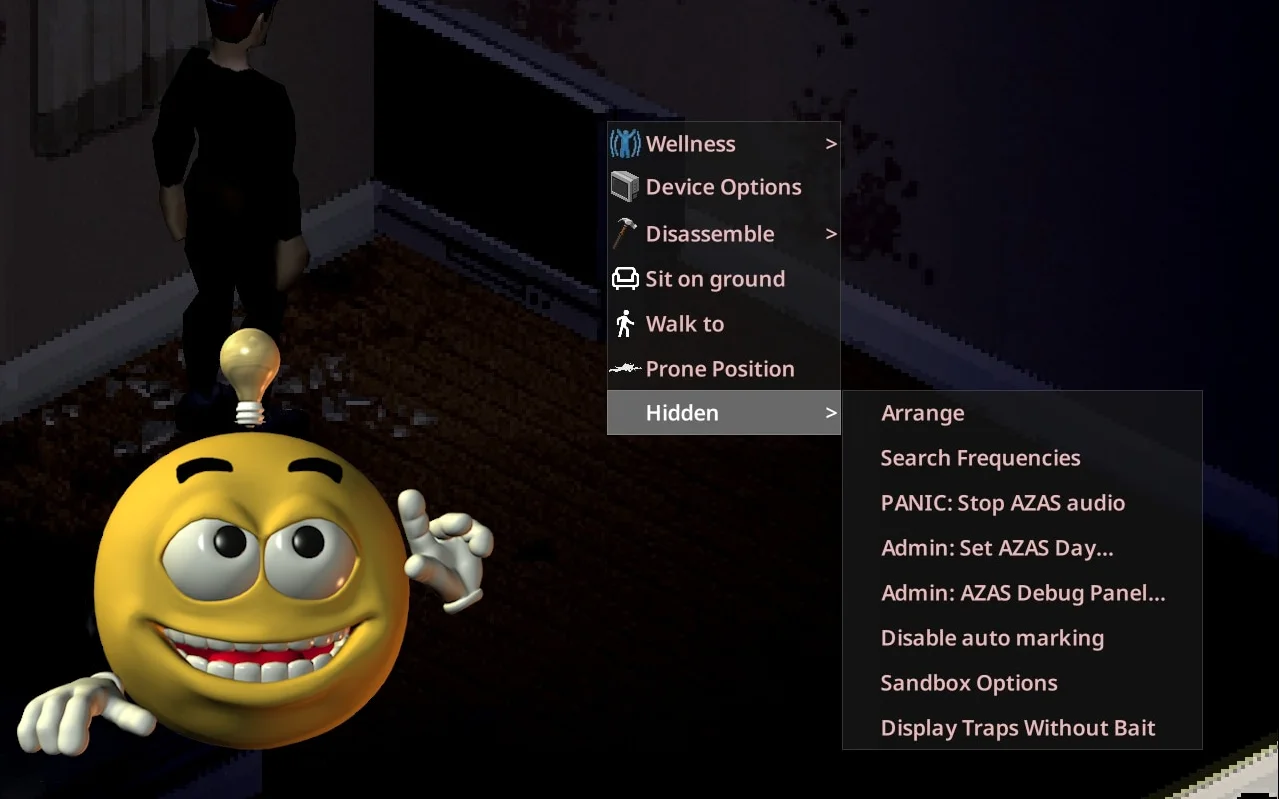
- When enabled, hidden entries are collected into a «Hidden» submenu pinned to the bottom of the context menu
Technical Information:
- Workshop ID: 3780688809
- Mod ID: ContextMenuCleanup
Supports Steam, GOG, and non-Steam copies. You need to install it manually.
To get it working, unpack the archive and move the resulting folder into the `User/Zomboid/mods` directory. Be sure to review the original description for load order tips.
To get it working, unpack the archive and move the resulting folder into the `User/Zomboid/mods` directory. Be sure to review the original description for load order tips.

Mod Info
Category:
Version:
03.09.2026
Size:
106 Kb
Multiplayer:
Yes
Added by:
Compatible with Project Zomboid
Download Links
Version 14.08.2026 : Download
You May Also Like




![Neat Building [B42]](/upload/000/u1/9/f/f276ad9b.webp "Neat Building [B42]")
Last Comments  ATZ → New Clothing Models [B42]
ATZ → New Clothing Models [B42] 2 months ago