Mod «Laptop Mod» for Project Zomboid
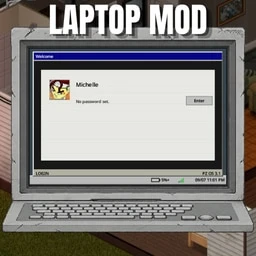
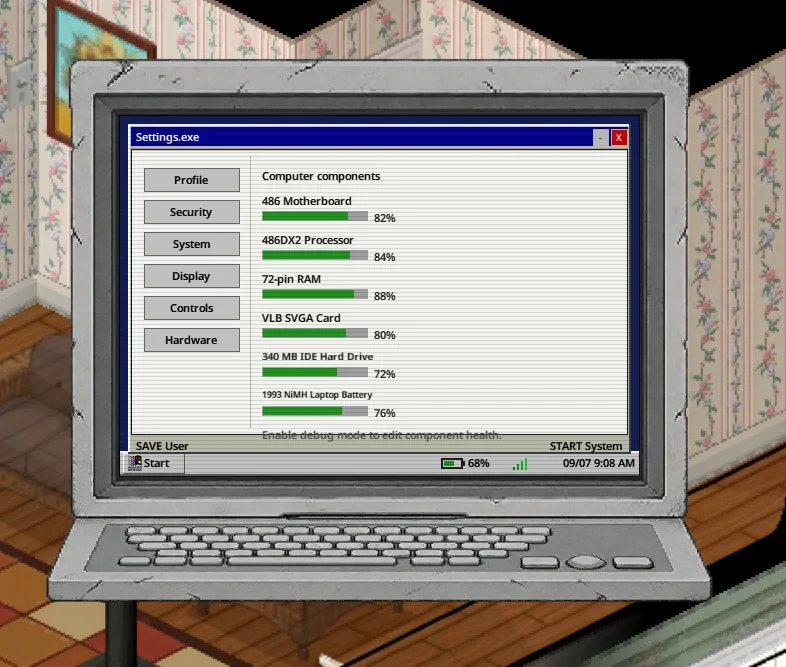
Adds a portable 1993-era laptop to Project Zomboid. This add-on allows players to carry a computer with them, accessing the main Computer Mod’s applications, games, and files anywhere, even after power outages. It requires the main Computer Mod to function.
- A portable 486 laptop with its own model and retro interface.
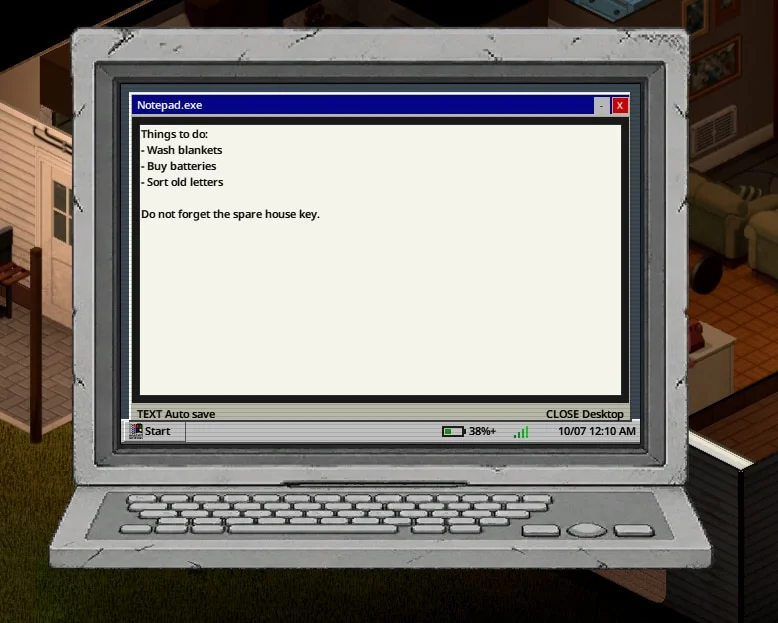
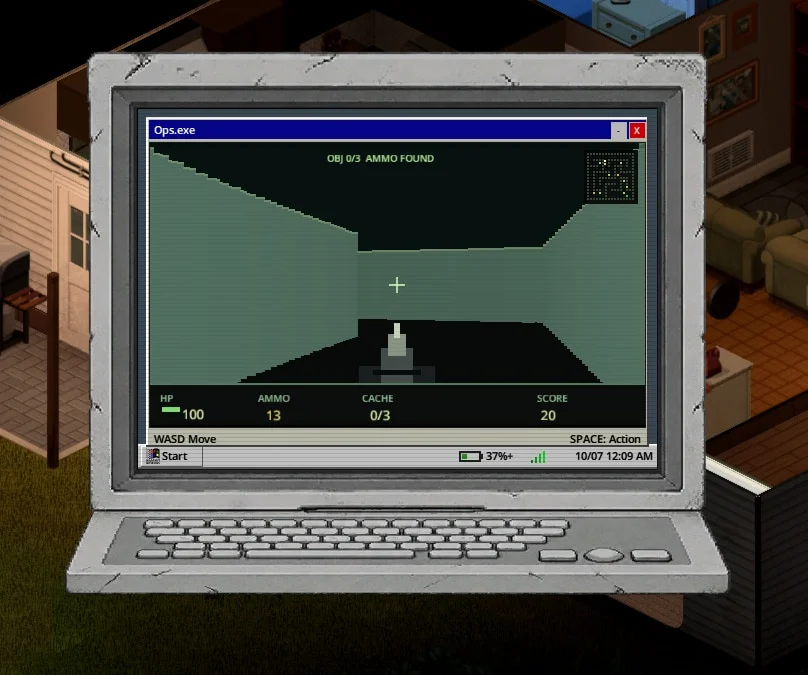
- Access to Computer Mod’s operating system, applications, games, and file management.
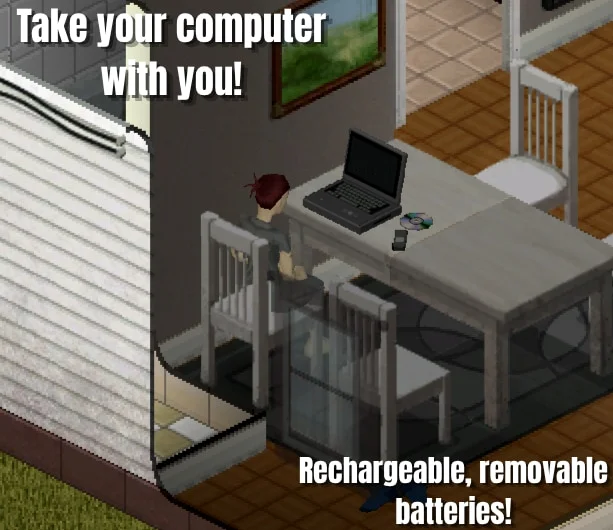
- Rechargeable, removable NiMH batteries.
- Battery wear that reduces operating time.
- A taskbar indicator showing battery charge and charging status.
- A crafting recipe for replacement laptop batteries.
The laptop can run on battery power or be connected to a charger in areas with electricity. Batteries discharge while the laptop is running, and worn batteries provide less operating time. Players can keep spare batteries for longer trips, repair worn batteries, or craft replacements using the required skills and materials. Note that battery power keeps the laptop running, but internet access still follows the main Computer Mod’s network and outage settings.
To use the laptop, find one and place it in the world. Right-click to access computer and hardware options, ensure required components are installed, and use a charged battery or plug in the charger where electricity is available. The laptop can be picked up and moved, but it powers off when carried.
Laptops and spare batteries can be found in electronics-related locations, offices, schools, and storage areas. Spawn chances vary by location. Sandbox settings allow adjustment of laptop availability, spare battery availability, battery drain rate, and charging speed.
Technical Information:
- Workshop ID: 3798992436
- Mod ID: ComputerModLaptop
Computer Mod | Steam Workshop
Mod Info
Download Links
![Project Arcade [B42MP]](/upload/000/u1/c/e/589572fe.webp "Project Arcade [B42MP]")


![[42.20] Customizable Containers](/upload/000/u1/0/c/49bd38e9.webp "[42.20] Customizable Containers")
![Dynamic Backpack Upgrades [ B41-B42.20 ]](/upload/000/u1/c/f/b8e35825.webp "Dynamic Backpack Upgrades [ B41-B42.20 ]")

 ATZ → New Clothing Models [B42]