Mod «Horse Utility: Mounted Firearms» for Project Zomboid
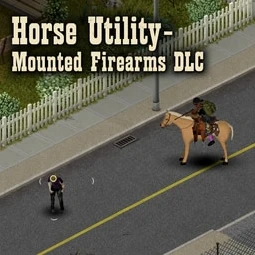
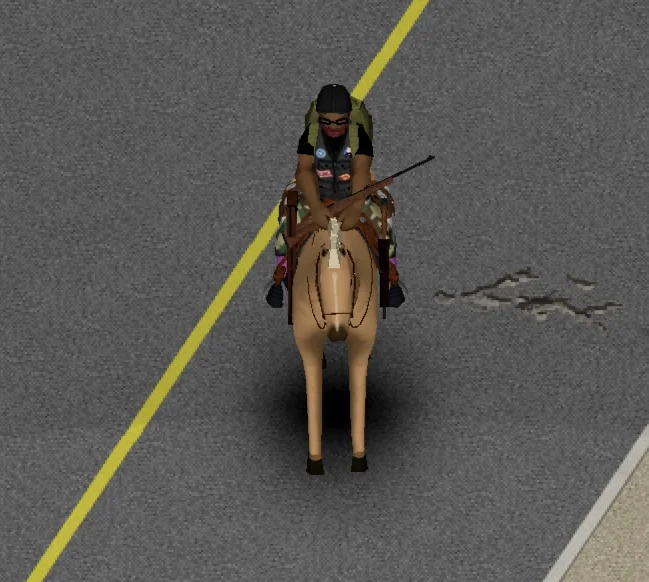
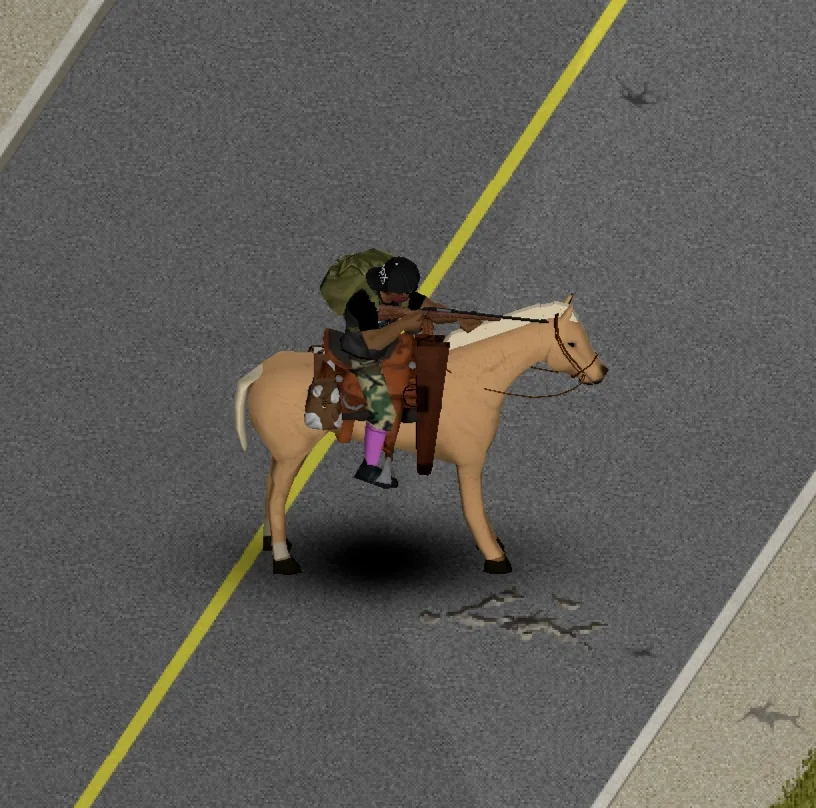
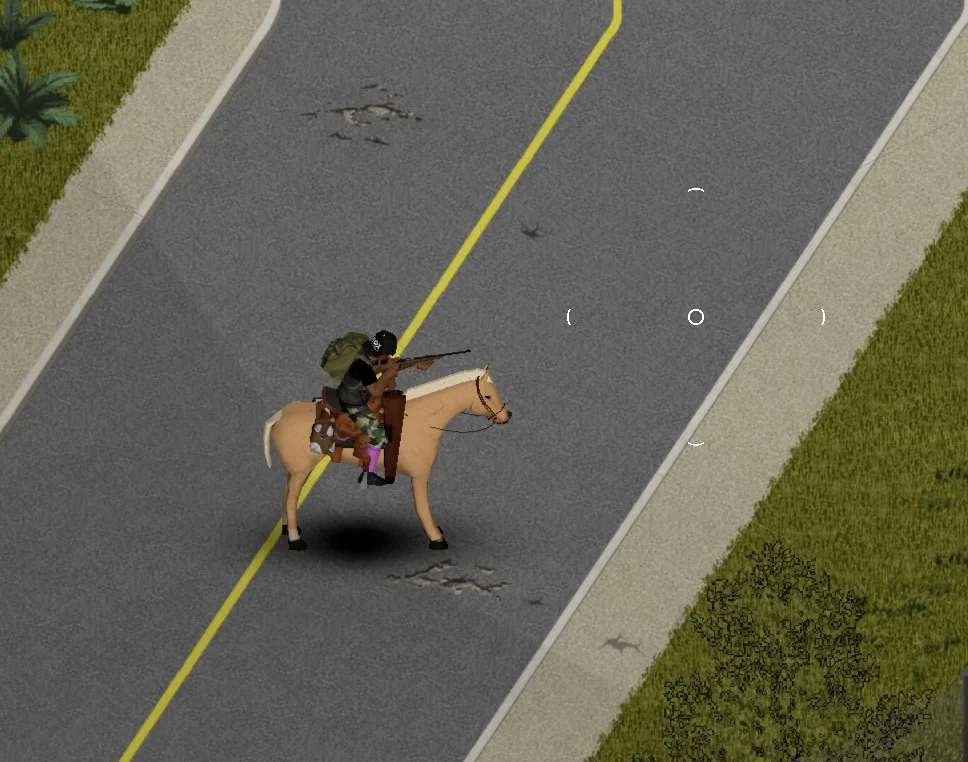
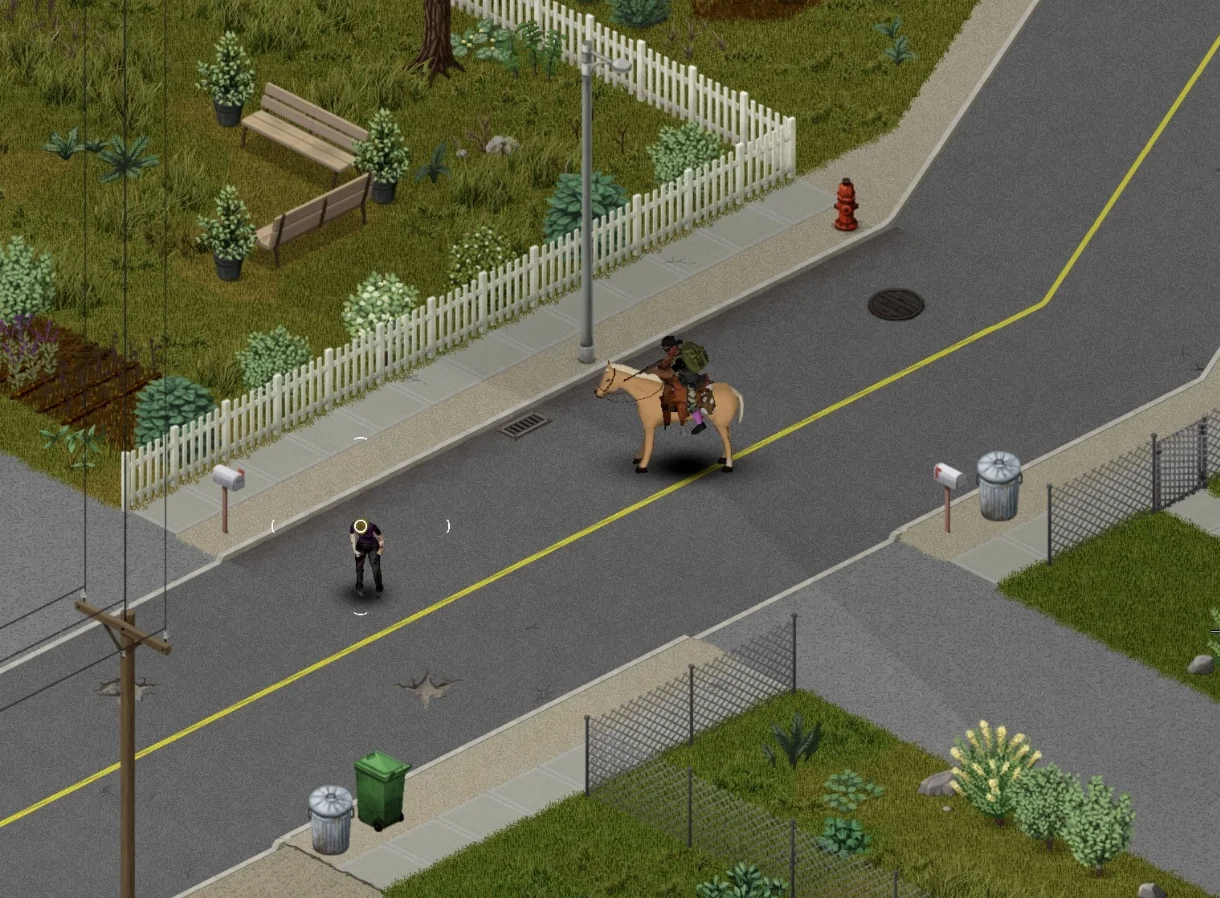
This optional add-on for Horse Utility enables stationary firearm combat while mounted on a horse. It preserves Project Zomboid's standard firearm system, allowing players to aim and fire using default controls without introducing custom damage logic or replacement ammunition.
- Mounted aiming with vanilla handguns, two-handed firearms, and compatible mod firearms
- Standard RMB aiming and LMB firing controls
- Stationary saddle combat within a controlled forward and side aiming sector
- Rear aiming is blocked to prevent invalid rider poses and saddle glitches
- Rider protection: the horse cannot be accidentally shot by its rider
- Full weapon handling support: reloading, racking, clearing jams, and opening supported ammunition boxes while mounted
The mod relies entirely on the base game's mechanics for ammunition consumption, magazine management, chamber states, spent cases, weapon condition, attachments, sound effects, targeting, and damage calculation.
Compatibility:
- Supports mod firearms that use Project Zomboid's standard ranged HandWeapon properties and normal attack paths
- Tested successfully with Vanilla Firearms Expansion and Guns of Marz (using Gunworks Framework)
- Compatibility with all firearm overhauls is not guaranteed
Usage Instructions:
- Mount your horse
- Equip a supported firearm after mounting
- Remain stationary and hold RMB to aim
- Press LMB to fire
Current Limitations:
- Requires Project Zomboid Build 42.20 or newer
- Singleplayer only
- Mouse and keyboard input only
- Firing while moving (walking, trotting, galloping) is not supported
- Controller support, multiplayer, saddle quick-draw, and horse bonding reactions are planned for future updates
Requirements:
- Horse Mod
- Horse Utility Add-on
Technical Information:
- Workshop ID: 3786752882
- Mod ID: HorseUtilityMountedFirearms
Requared mods:
Compatible with Steam, GOG, and non-Steam copies. Requires manual setup.
Simply drop the extracted folder inside the `C:\Users\YourName\Zomboid\mods` folder. It's always a good idea to check the mod description in case of special requirements.
Simply drop the extracted folder inside the `C:\Users\YourName\Zomboid\mods` folder. It's always a good idea to check the mod description in case of special requirements.
Mod Info
Category:
Version:
20.08.2026
Size:
2.5 Mb
Added by:
Compatible with Project Zomboid
Download Links
File Security
SHA-256:
715f11ac8150c972878e3b66b698dee655abe00363bb72117f012092c87c7dd9
VT Detection:
0/65
VT Report:
![Starving Zombies: Realism [B42.20]](/upload/000/u1/2/0/c7034886.webp "Starving Zombies: Realism [B42.20]")
![Companion Dogs [ALPHA]](/upload/000/u1/2/a/27f7dccc.webp "Companion Dogs [ALPHA]")

![[B42] Bandits NPC](/upload/000/u1/7/7/116be89f.webp "[B42] Bandits NPC")
Last Comments  ATZ → New Clothing Models [B42]
ATZ → New Clothing Models [B42] 2 months ago