Mod «Loot Memory - Remember Loot Locations» for Project Zomboid
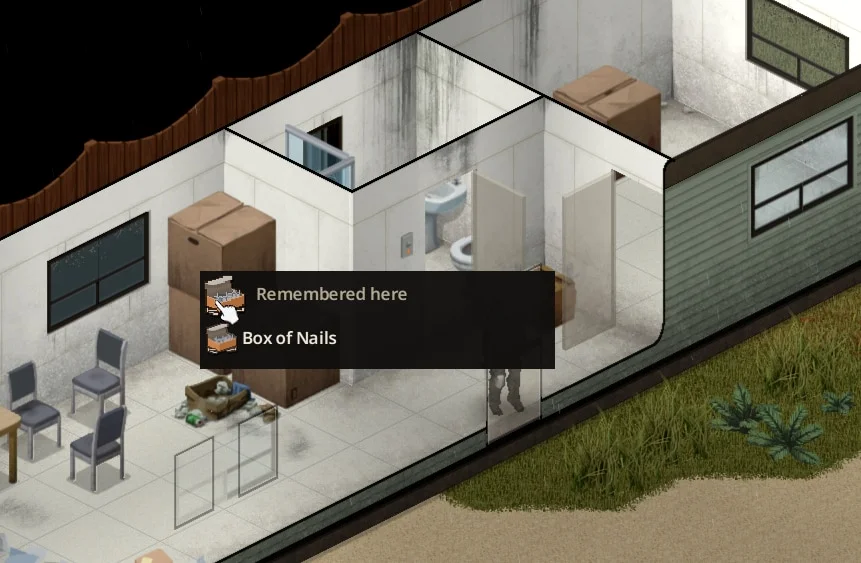
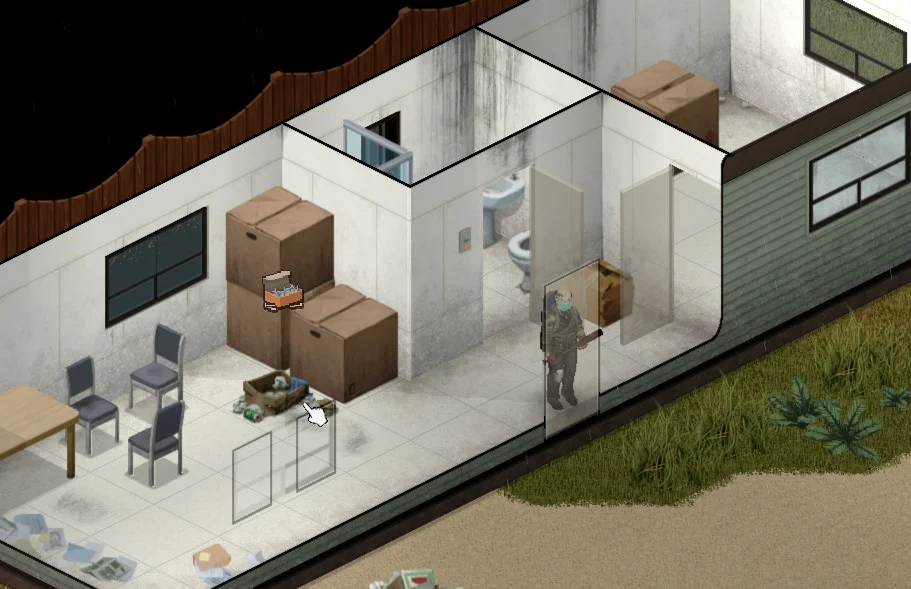
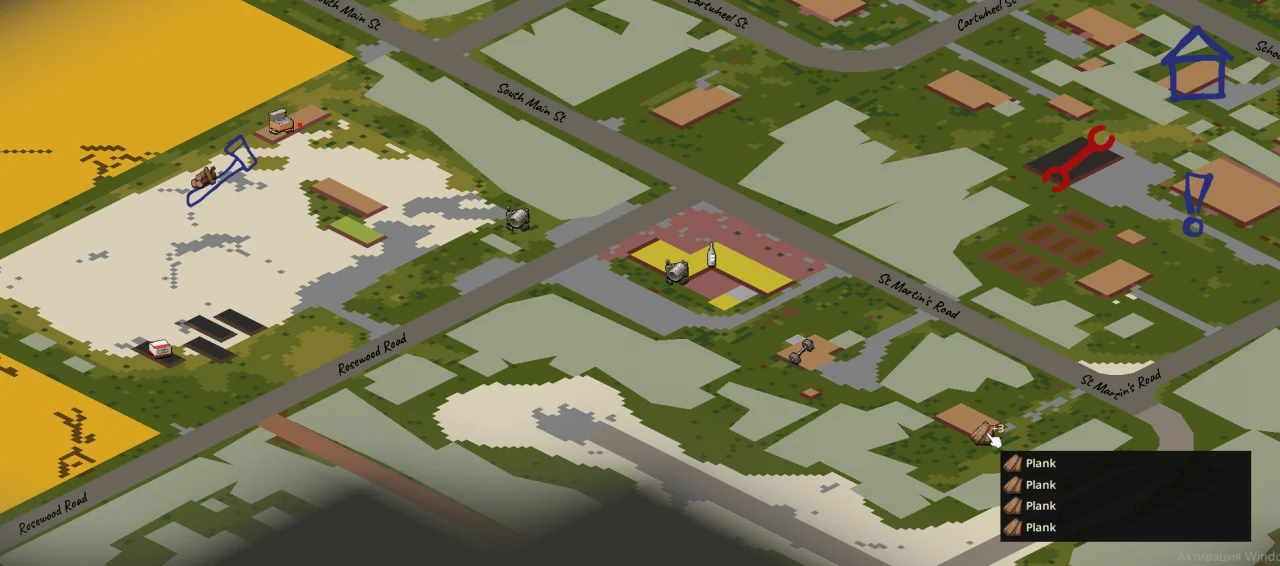
Loot Memory allows players to mark the locations of useful loot, furniture, equipment, and vehicles for later retrieval. By right-clicking an item in a container or a placed object in the world, users can select «Remember this place.» The location is then marked with an icon on the world map, minimap, and in the game world, eliminating the need for external note-taking tools by default.
Features:
- Support for remembering placed objects, vehicles, equipment, appliances, storage containers, furniture, wall decorations, curtains, rugs, floor coverings, plants, and other items.
- Ten customizable categories enabled by default; disabling a category hides its marks without deleting saved data.
- Distinct icons for different item types, including steering-wheel symbols for vehicles and moveable-item icons for furniture.
- Multi-tile furniture shares a single mark, while individual vehicles of the same model are tracked separately.
- Options to update remembered locations or forget them entirely.
- Compatibility with standard gameplay and an experimental «Immersive Mode» where notes are tied to specific notebooks, journals, or diaries.
- In Immersive Mode, notebooks have limited capacity (approximately 50 records for notebooks, 100 for journals, 200 for diaries), sharing space with personal text.
- Found blank notebooks may contain pre-generated coordinates for existing loot or valuable stashes.
- Stashes consist of 3-6 useful items in a duffel bag, marked with a permanent amber outline on the map.
- Map icons are visible through walls within 20 tiles in the world view and have no distance limit on the map/minimap.
- Overlapping icons group when zoomed out and separate when zoomed in.
- Marks persist with the character or carried notebooks and are automatically cleared when the item is collected.
- Support for nested bags and bags placed on the ground.
How to use:
- Right-click an item in a container or a placed object/vehicle in the world and select «Remember this place» from the context menu or Loot Memory submenu.
- Check the world map or minimap to locate marked items. Icons appear within the visible map area regardless of distance.
- Return to the location to collect the item or remove the mark via the context menu or world marker hover list.
- Optional: Enable Immersive Mode in mod options to bind notes to specific carried writing items.
Compatibility and Technical Notes:
- Designed for Project Zomboid Build 42.20.x.
- No other mods are required.
- Multiplayer is not supported.
- Placed object and vehicle marks record the last observed location and do not track movement or auto-remove upon pickup/dismantling; manual updates are required.
- Ordinary loot marks update when the container is reopened if moved.
- In Immersive Mode, notes from all carried notebooks are visible, but new entries go only into the selected notebook.
- Stash locations may reside in unloaded areas; containers appear when the area loads without forcing distant chunk loading.
Technical Information:
- Workshop ID: 3798307321
- Mod ID: LootMemory
Mod Info
Category:
Version:
12.09.2026
Size:
29.7 Kb
Added by:
Compatible with Project Zomboid
Download Links
You May Also Like




![Neat Building [B42]](/upload/000/u1/9/f/f276ad9b.webp "Neat Building [B42]")
Last Comments  ATZ → New Clothing Models [B42]
ATZ → New Clothing Models [B42] 2 months ago