Mod «Where Am I?» for Project Zomboid
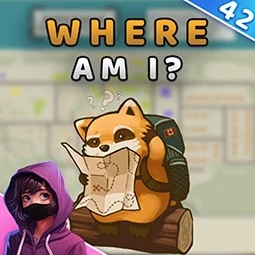
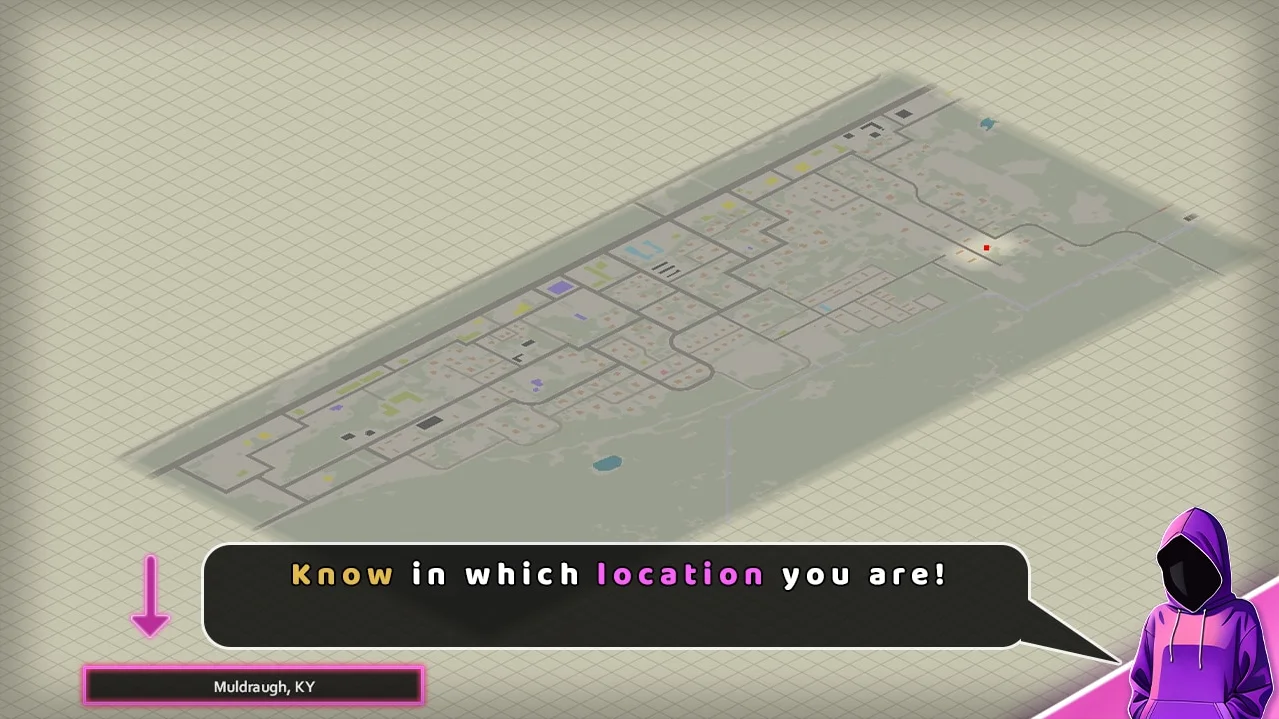
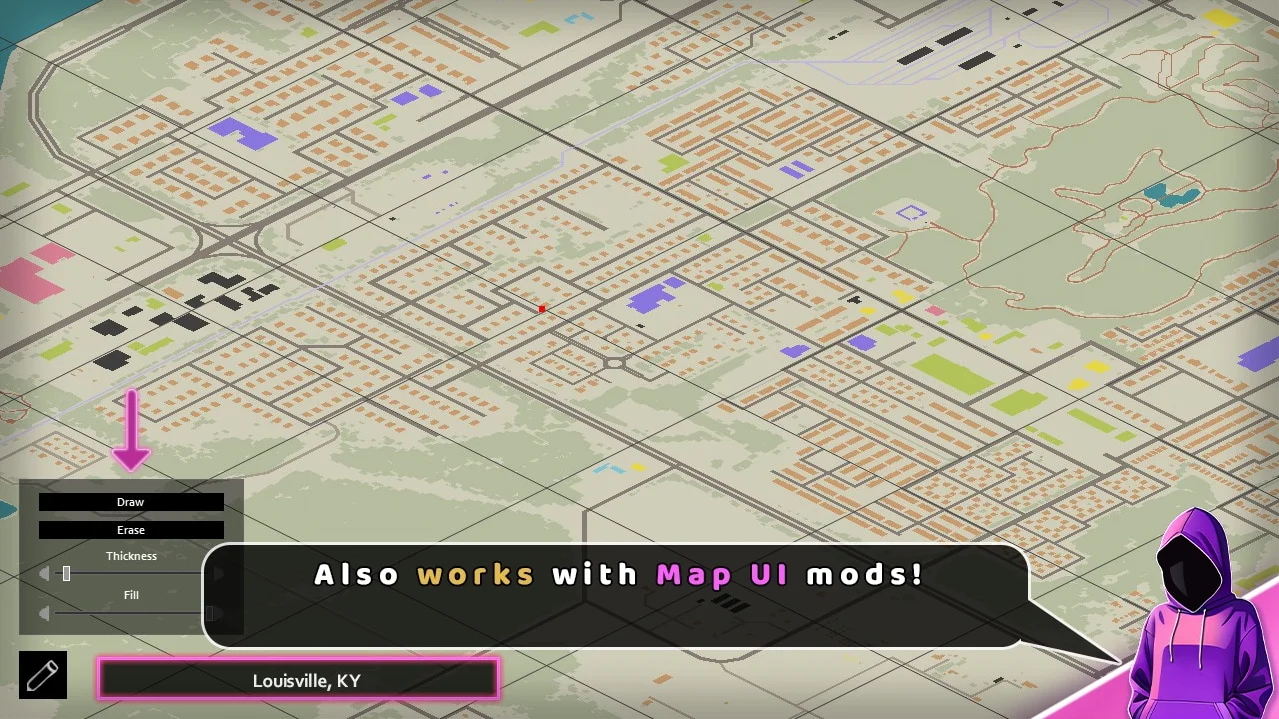
This mod displays the current area or region name in the bottom-left corner of the world map. It functions in both vanilla and modded locations, supporting popular map mods.
- Compatible with Build 41 and Build 42
- Works in multiplayer and on existing saves
- Generally compatible with other mods
Technical Information:
- Workshop ID: 3097650043
- Mod ID: BB_WhereAmI
Works on Steam, GOG, and Non-Steam versions. Setup: Manual install only.
To install, unpack the downloaded file and place the mod folder to your local `User/Zomboid/mods` path. Make sure to check the creator's instructions for load order tips.
To install, unpack the downloaded file and place the mod folder to your local `User/Zomboid/mods` path. Make sure to check the creator's instructions for load order tips.

Mod Info
Category:
Version:
20.12.2024
Size:
2.11 MB
Multiplayer:
Yes
Added by:
Download Links
File Security
SHA-256:
5bb170a2634faf2ed96f0fd5575a17d8f7f3d882c720c7f05b30a656b0f13497
VT Detection:
0/65
VT Report:
You May Also Like

![Neat Building [B42]](/upload/000/u1/9/f/f276ad9b.webp "Neat Building [B42]")
Last Comments  ATZ → New Clothing Models [B42]
ATZ → New Clothing Models [B42] 2 months ago